Device list
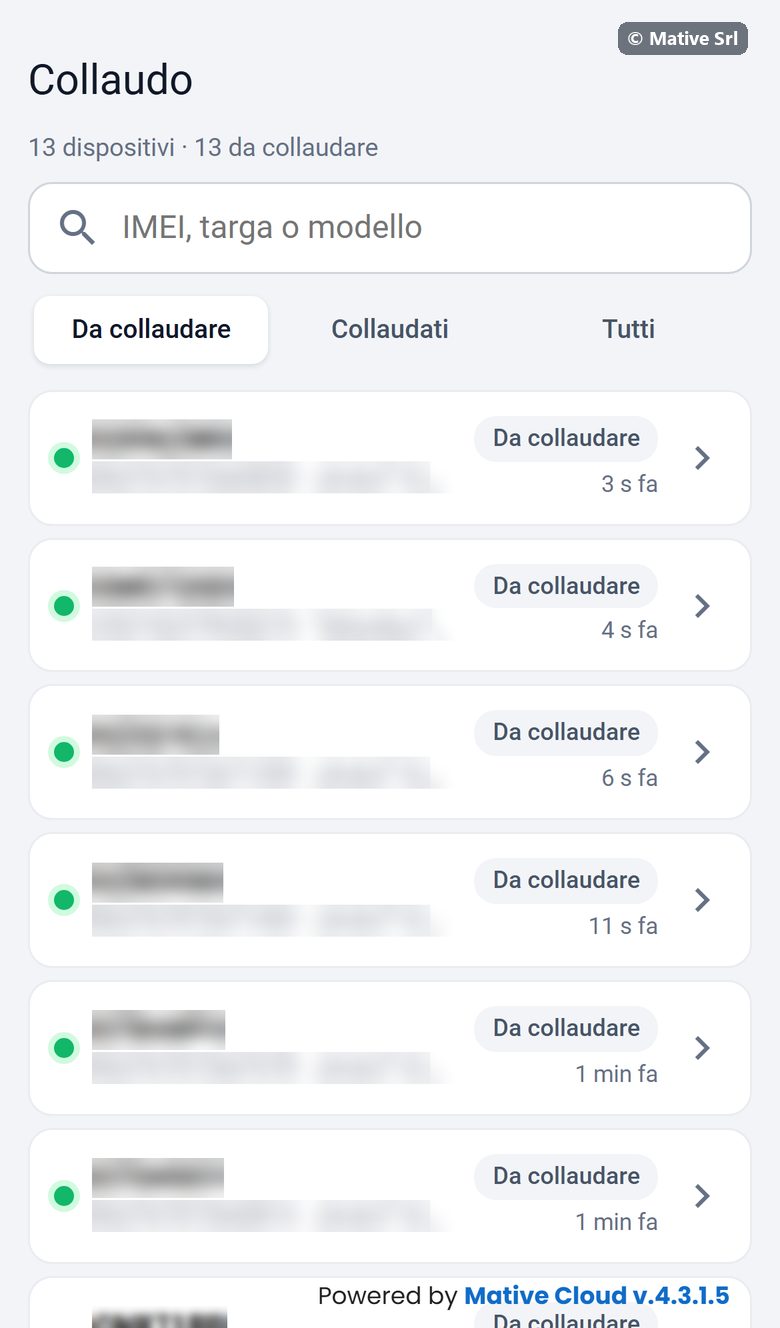
The first page lists the devices. At the top you see how many there are and how many are still to test.
- Search: IMEI, plate or model (IMEI, targa o modello).
- Scansiona (scan), only in the app: search the device by scanning its IMEI code.
- Filters: Da collaudare (to test), Collaudati (tested), Tutti (all).
Each row shows:
- a green dot when the device is online;
- plate, IMEI and model;
- the status Da collaudare or Collaudato;
- how long ago the last data arrived.
Tap a row to open the device.
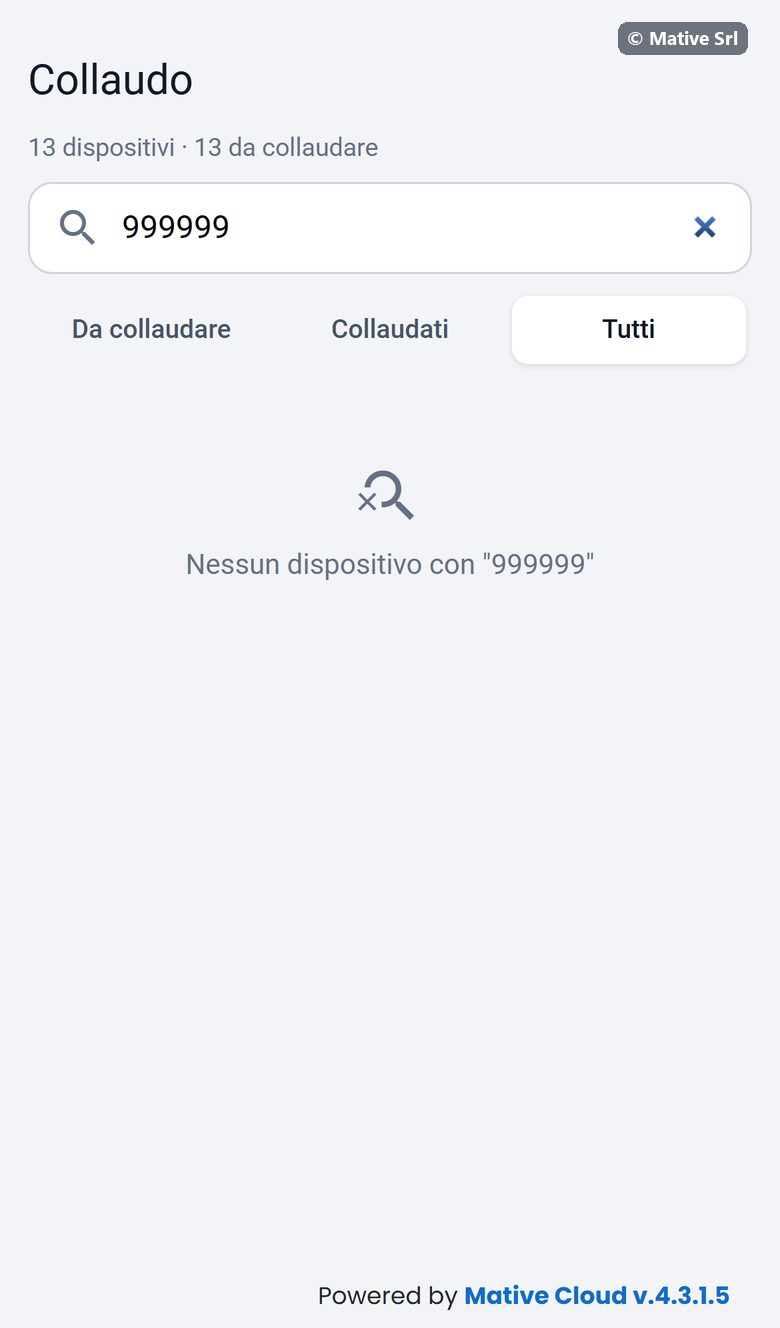
When no device matches the search, the list says Nessun dispositivo con "…" (no device with …). Check the IMEI or the plate you typed.